DaisyOS
Products
Solutions
Support
Language / 语言
Get a Free Quote
SECURE · EFFICIENT · PERSONALIZED

UFreez — Redefine Your Lock Screen

One-Tap Lock · Auto-Lock · Black Screen Writing · Homework Board

One-tap lock, auto-idle lock, black-screen writing mode, and a built-in homework board. UFreez secures your display and makes it more useful for teaching.

One-Tap Lock Auto-Lock Black Screen Writing Homework Board Classroom Tool

UFreez in Action

See how UFreez secures your display, turns it into a blackboard, and lets you assign homework — all in one tool.

UFreez — Smart Lock Screen Overview
One-tap lock · Auto-lock · Black screen writing · Homework board
⏱ Product demo · 1min

▶ Watch UFreez in action

One-Tap & Auto Screen Lock

Black Screen Writing Mode

Homework Assignment Board

Built for Education & Enterprise

Designed for Every Display

From one-tap lock to black-screen writing and homework — UFreez turns every interactive display into a secure, focused, classroom-ready tool.
One-tap screen lock
Lock & Security

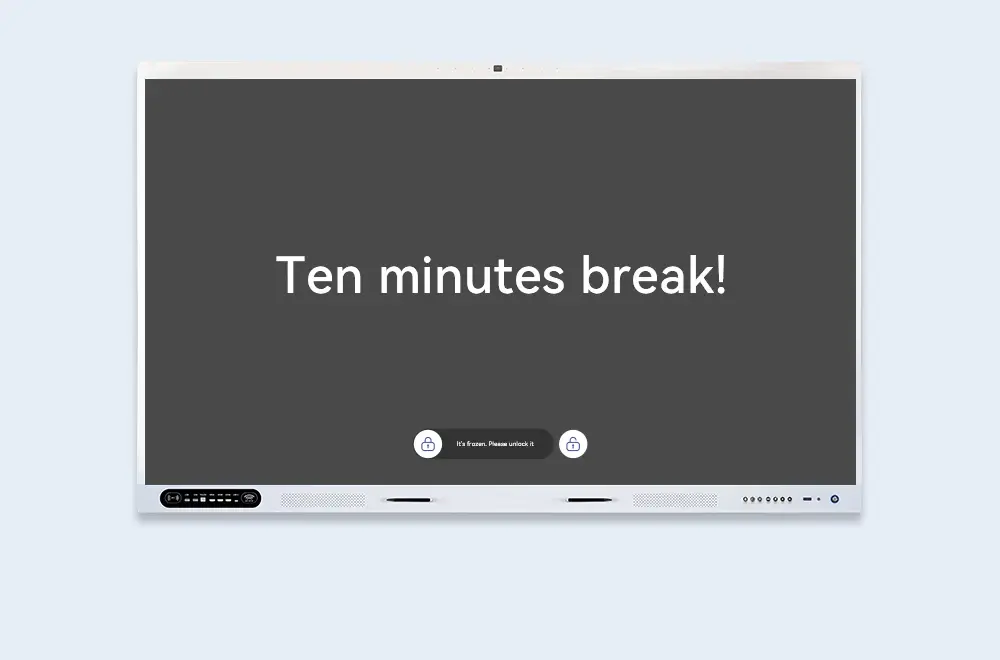
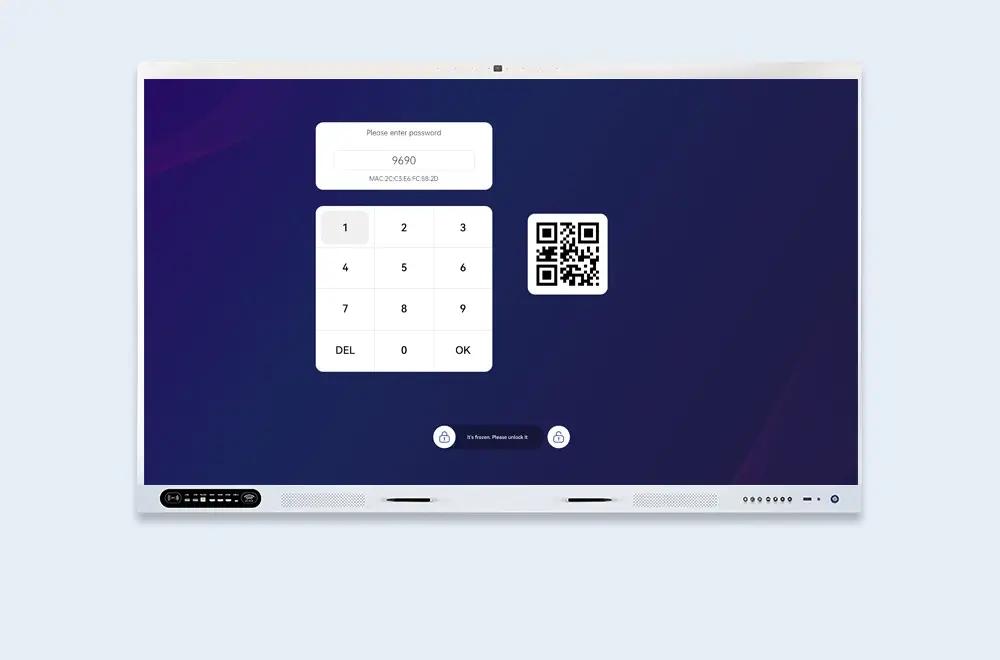
One-Tap Screen Lock

From any screen, lock instantly via shortcut key or the notification bar — protecting your current work and privacy in a single tap.

  • Shortcut — instant lock from notification bar
  • One-tap — lock anytime, anywhere
  • Privacy — protect your work instantly
Auto-lock after idle
Idle Timer

Auto-Lock After Idle

Set a custom idle timeout and UFreez locks the screen automatically — no manual action needed, keeping the shared display secure when left unattended.

  • Custom timeout — set your own idle duration
  • Auto-activate — locks when idle, no action needed
  • Zero friction — security without interrupting your flow
Black screen writing
Blackboard Mode

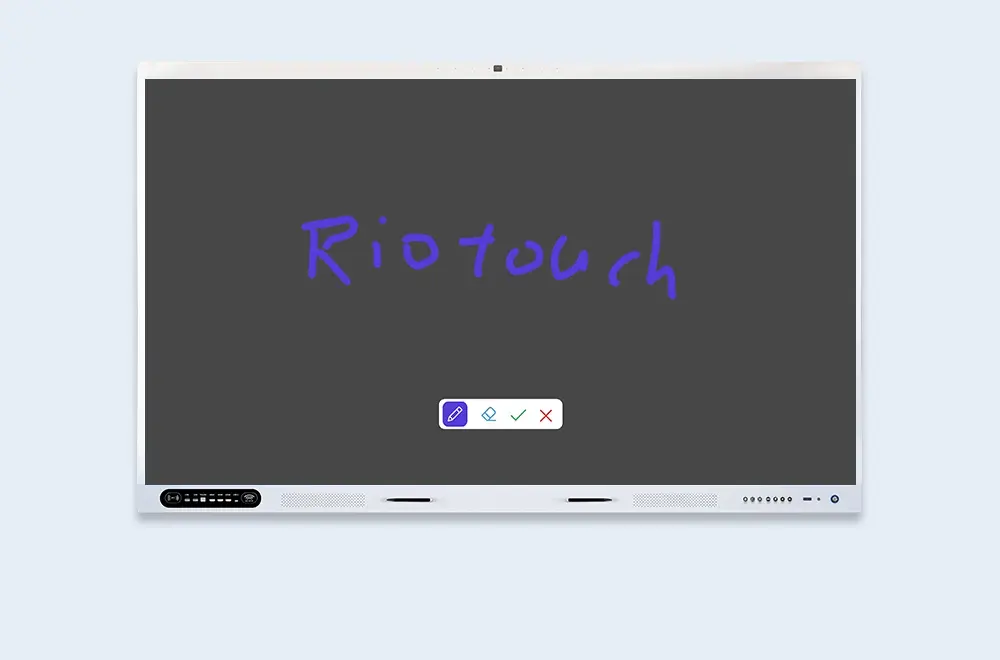
Black Screen Writing Mode

Switch the display to a fully black state and write on it like a traditional blackboard — backlight off, stylus on. Save energy, cut glare, and keep every eye on your content.

  • Full black state — screen goes dark, stylus still writes
  • Energy-saving — backlight off while you teach
  • Focus — no distraction, just your writing
Homework board
Homework Mode

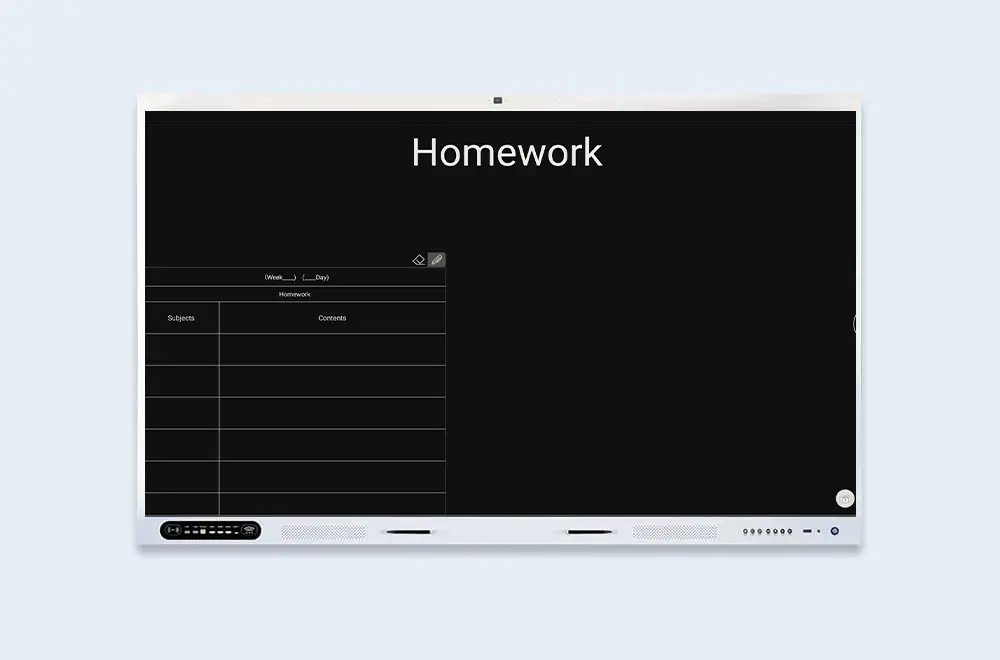
Black Screen Homework Board

A clean white input form appears on the black screen — type the day's homework assignments by hand, then display or export them for students to copy down.

  • White form on black — high-contrast, easy to read
  • Manual input — type assignments directly
  • Display or export — share with the whole class

Built for Your Display

From K-12 classrooms to enterprise meeting rooms and public kiosks — UFreez fits the way your team works.

Schools

Lock the display, switch to black-screen writing like a blackboard, and post homework assignments for students to copy.

Enterprise Meeting Rooms

Auto-lock secures confidential content when the room is empty; black-screen mode keeps attention on the presenter.

Public Kiosks & Lobbies

Auto-lock protects the display when unattended; one-tap lock for immediate security.

Frequently Asked Questions

Quick answers to common questions about UFreez.

No. UFreez runs natively on DaisyOS. Set a lock password and you're ready in minutes.
One-tap manual lock, auto-lock after a custom idle time, and lock on boot or wake from sleep.
Yes. The screen goes dark but the stylus still works — write, draw, and annotate just like on a traditional blackboard. No backlight, no glare, just your content.
A clean white input form appears on the black screen. Teachers type the day's assignments by hand, display them for students to copy, or export them for digital distribution.
📩 Request a Quote

Need a Solution That
Fits Your Project?

Tell us what you're looking for and we'll tailor a quote to your requirements — with pricing, lead time, and expert advice.

HeadquartersRoom 201, No. 5, Chang An Zhenyuan East Road,
Dongguan, Guangdong, China
Get Your Custom Quote
Fill out the form and we'll get back to you within 12 hours.
Quick InquiryGet a quote
✓ Sent! We'll reply within 4 hours.
Chat on WhatsAppReply in minutes