Designed for Every Session
From quick captures to annotated handouts — UCut turns every screen interaction into a shareable asset.
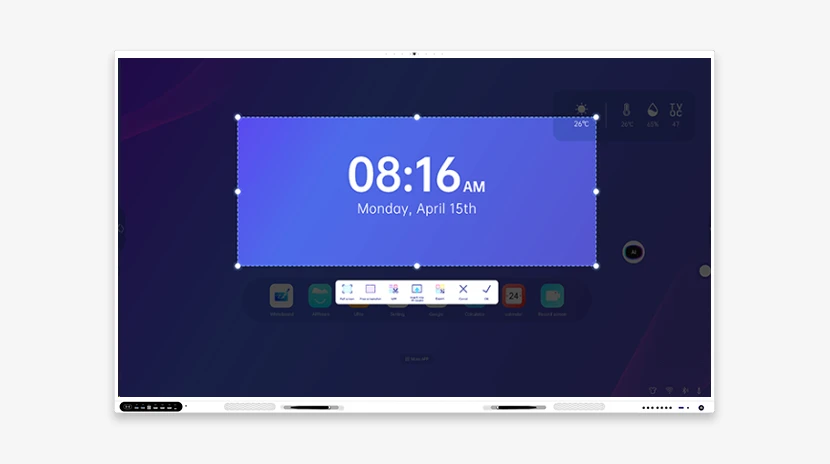
Flexible Capture Modes
Rectangle, freeform, or full-screen capture. A floating toolbar stays accessible anytime, anywhere on screen — no menus to dig through.
- Rectangle — precise framing of key content
- Freeform — circle any irregular area
- Full-screen — capture the entire whiteboard in one go
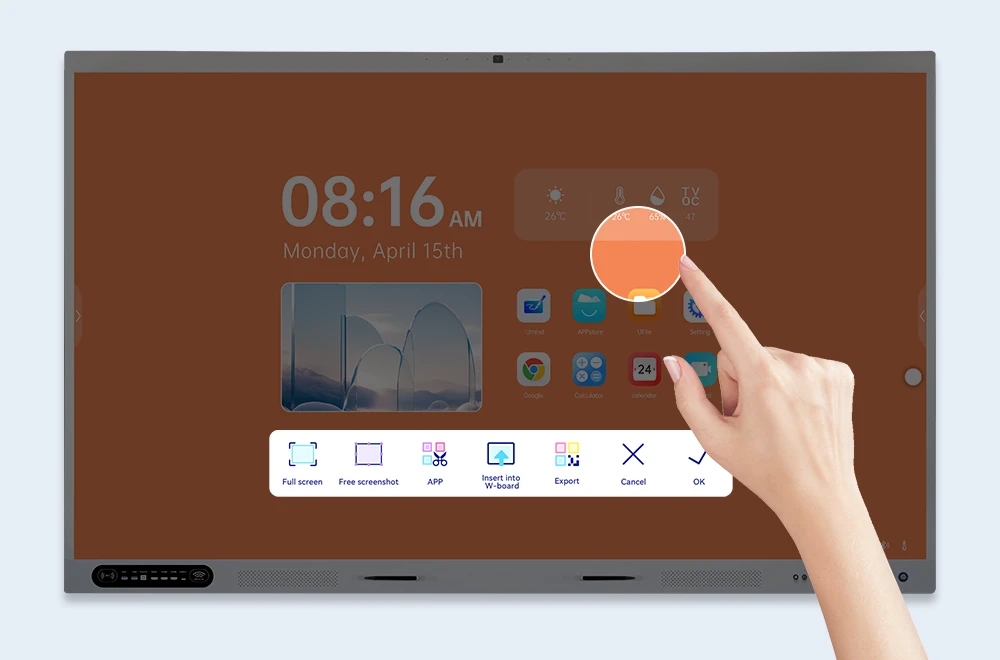
Rich Annotation Tools
Draw, highlight, add text, arrows, shapes, and stamps. Mark up lesson materials or meeting notes with a full set of annotation tools built right into the capture flow.
- Pen & highlighter — emphasize key points
- Text & arrows — add notes and directions
- Shapes & stamps — standardize marking for efficiency
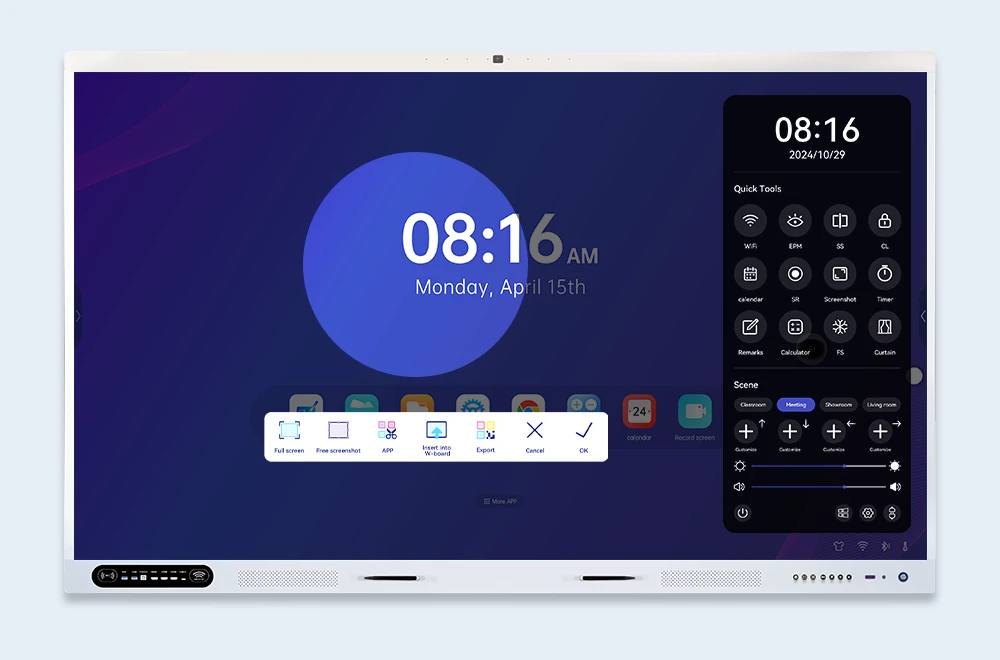
Multi-Page & Crop
Capture scrolling content across multiple pages. Crop, resize, and combine screenshots into a single document — ideal for lesson plans or meeting minutes.
- Scroll capture — full-length content in one image
- Multi-page merge — consolidate scattered screenshots
- Smart cropping — trim edges, keep the core
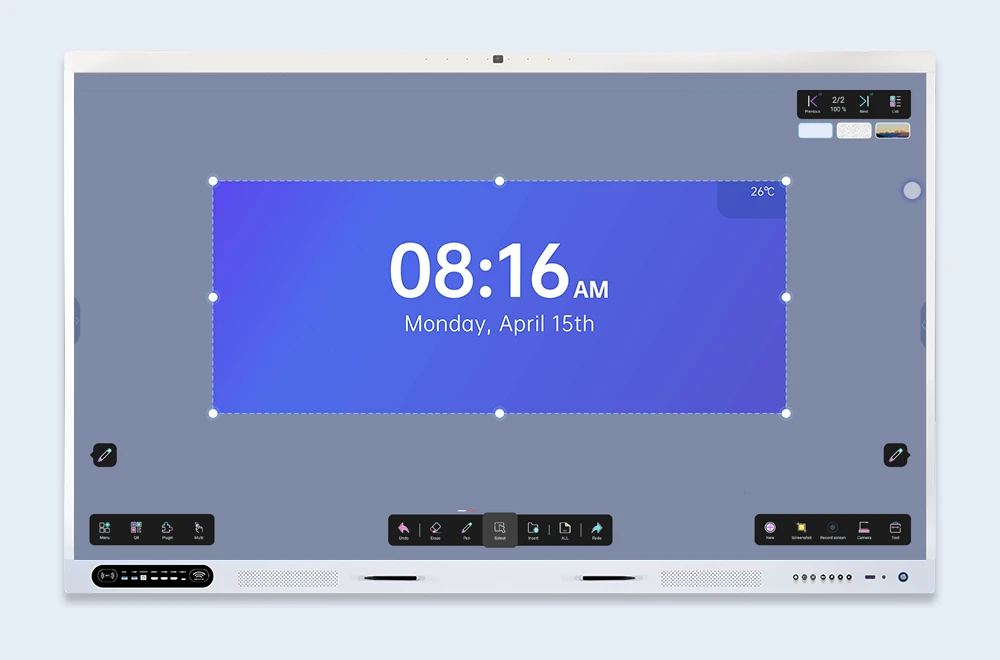
Export to UMind & UFile
Export to UMind whiteboard for further collaboration, or save to UFile cloud storage for secure archiving and easy retrieval.
- UMind integration — continue collaboration on whiteboard
- UFile cloud storage — secure archive, easy retrieval
- Flexible export — PNG, JPG, or PDF
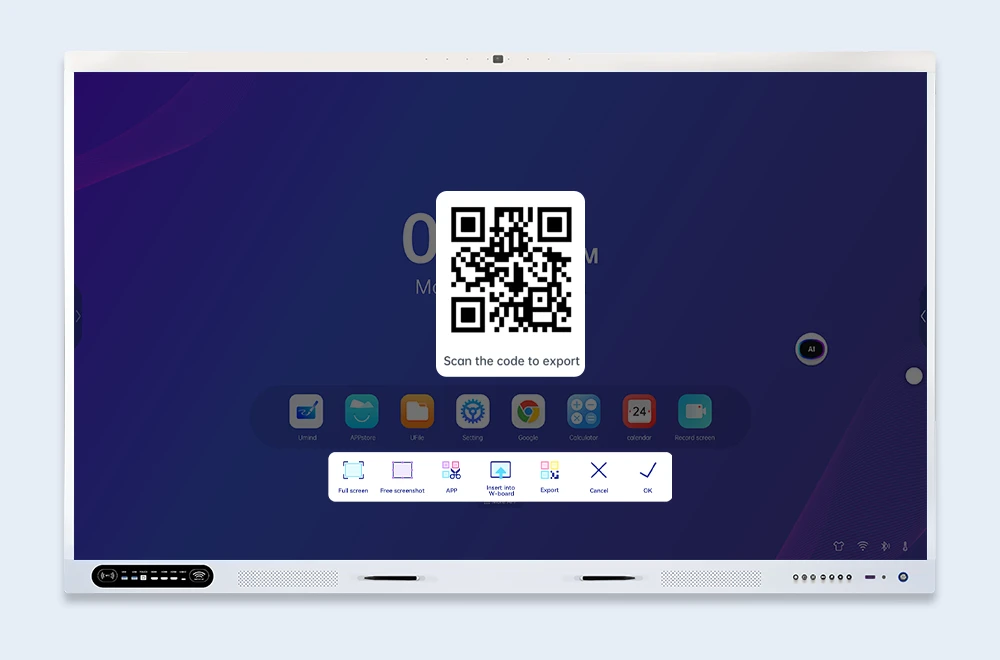
QR Code Sharing
Generate a QR code instantly. Students or team members scan with their phones to view or download — no file transfers, no email attachments.
- Instant QR generation — share in seconds
- Mobile-friendly — view on any device
- No file size limits — scan and access